
What is Work Tracking Messaging?

  • Work Tracking Messaging
  • Written by Chetan K Singh

The Future of Managing Work in Chat

By Chetan K Singh

For many years I managed design and construction projects that involved architects, contractors, vendors, consultants, and clients. Anyone who has worked in the Architecture, Engineering and Construction industry knows how dynamic these projects can be.

Dozens of decisions happen every day.

Someone requests an updated drawing.
A contractor confirms a delivery.
A client suggests a design change.
A consultant proposes a modification.

Almost every instruction begins with a conversation.

During one particular project, a contractor called me from the site asking whether the lighting design discussed the previous day had been approved. I clearly remembered the conversation. The lighting consultant had suggested a change and the client seemed comfortable with it.

But when I tried to confirm the approval, something familiar happened.

The conversation had taken place in chat.

Some messages were in the project group.
Some were shared privately.
Some drawings were sent separately.

After scrolling through dozens of messages, I realised the decision was buried somewhere inside the conversation.

That moment captured a problem I had seen repeatedly.

Modern teams communicate through messaging, but messaging apps were never designed to track the work behind those conversations.

That observation eventually led me to think about collaboration differently and to describe a new category called Work Tracking Messaging.

Work Begins With Conversations

Across industries, work rarely begins inside a task management system.

Instead, it begins with simple messages.

“Please send the updated drawing.”
“Can someone follow up with the vendor?”
“Let’s confirm the layout.”

Messaging platforms have become the operating layer of modern teamwork.

Teams use messaging to:

  • coordinate tasks
  • share files
  • discuss decisions
  • collaborate across organisations

But messaging apps organise conversations chronologically.

As messages continue to flow, older discussions disappear from view.

Important instructions become difficult to find later.

Tasks remain informal.
Approvals remain ambiguous.
Context disappears.

This is why teams constantly feel like they are searching through conversations to reconstruct what actually happened.

The Evolution of Workplace Collaboration

To understand why work tracking messaging is important, it helps to see how workplace collaboration has evolved.

1. Email Era

For many years, email was the primary way teams coordinated work.

But email threads quickly became chaotic and slow.

2. Messaging Era

Messaging platforms transformed communication.

Examples include:

  • WhatsApp
  • Slack
  • Microsoft Teams

These tools made conversations faster and more flexible.

However, they were designed primarily for communication, not work tracking.

3. Project Management Tools

To organise work, companies introduced project management software such as:

  • Asana
  • ClickUp
  • Monday.com
  • Basecamp
  • Notion

These tools help teams:

  • create tasks
  • assign responsibilities
  • track deadlines

But they introduce a new challenge.

Work does not begin in these systems.

It begins in conversation.

Someone must manually transfer instructions from chat into the project management tool.

In practice, that step is often skipped.

The Gap Between Communication and Work Tracking

Today’s collaboration landscape looks like this:

Messaging Apps

Examples: WhatsApp, Slack, Microsoft Teams

Strengths:

  • fast communication
  • easy sharing
  • group discussions

Limitations:

  • tasks are not structured
  • approvals are not tracked
  • context gets buried in conversations

Project Management Tools

Examples: Asana, ClickUp, Monday, Basecamp, Notion

Strengths:

  • structured tasks
  • project timelines
  • responsibility tracking

Limitations:

  • communication happens elsewhere
  • teams must manually create tasks
  • discussions get disconnected from work 

This separation creates a major inefficiency. Communication happens in messaging apps. Work tracking happens in project tools. The two rarely stay perfectly connected.

Introducing Work Tracking Messaging

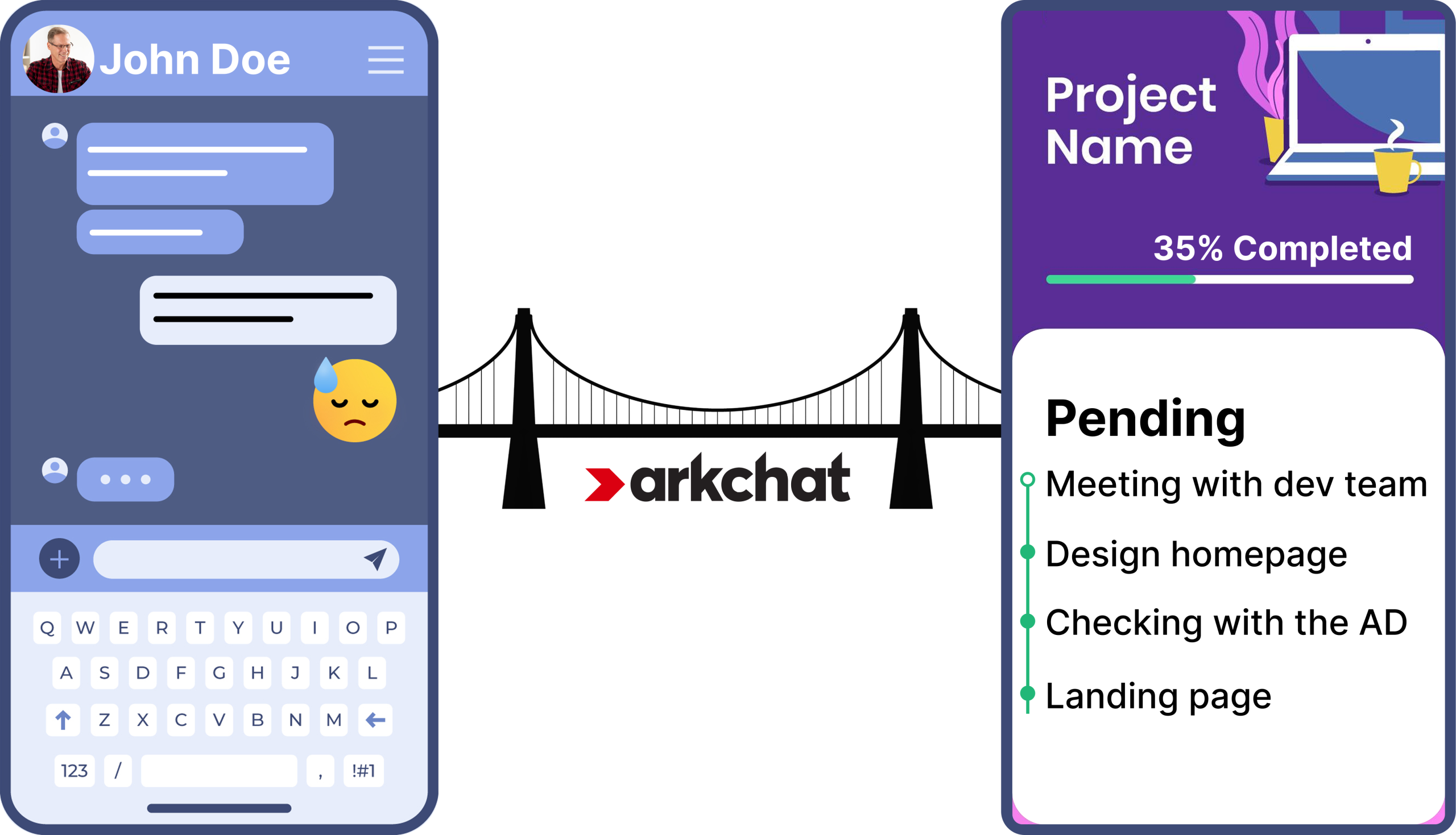
Work Tracking Messaging bridges the gap between communication and work tracking.

Instead of forcing teams to move work between tools, it allows conversations themselves to generate structured work.

In a work tracking messaging system, messages can become:

  • tasks
  • approval requests
  • organised work threads

The conversation remains attached to the task.

Context stays intact.

Teams continue communicating naturally while the system ensures that work remains organised and visible.

In simple terms:

Work Tracking Messaging means conversations that track the work they create.

The Work Tracking Messaging Model

The concept can be understood through a simple model.

Traditional Workflow

Conversation

Task manually created in another tool

Discussion continues separately

Context lost

Work Tracking Messaging Workflow

Conversation

Message becomes task

Discussion continues within task

Approval recorded

Work completed

This model eliminates the gap between communication and execution.

Comparing Collaboration Tools

To better understand the concept, let’s look at how existing tools support collaboration.

Messaging Apps

Examples:

WhatsApp
Slack
Microsoft Teams

These tools are excellent for communication.

They allow teams to:

  • chat instantly
  • share files
  • coordinate quickly

But they struggle with:

  • task visibility
  • approval tracking
  • decision traceability

Important instructions often disappear inside chat threads.

Project Management Tools

Examples:

Asana
ClickUp
Monday.com
Basecamp
Notion

These platforms provide structured work tracking.

Teams can create tasks, assign responsibilities, and manage deadlines.

However, communication still happens outside the system.

This leads to:

  • duplicated discussions
  • incomplete task entries
  • constant switching between tools

Work Tracking Messaging Platforms

A work tracking messaging platform combines the strengths of both categories.

It allows teams to:

  • communicate naturally
  • convert messages into tasks
  • track approvals within conversations
  • keep discussions organised around work

This is the concept behind Work Tracking Messaging.

Benefits of Work Tracking Messaging

Work tracking messaging improves collaboration in several ways.

Nothing Gets Lost in Chat

Important messages can become structured tasks.

Conversations Stay Connected to Work

Discussions remain attached to the work they relate to.

Reduced Tool Switching

Teams no longer need separate tools for communication and task tracking.

Clear Accountability

Responsibilities and decisions become visible to everyone involved.

Where Work Tracking Messaging is Most Valuable

This approach is particularly useful in environments where work flows through conversations.

Architecture, Engineering & Construction

Projects involve architects, contractors, consultants, vendors, and clients who constantly exchange messages.

Work tracking messaging ensures that design changes, approvals, and tasks remain organised.

Consulting Teams

Consultants collaborate with clients through discussions that often lead to deliverables.

Tracking those conversations as structured work improves clarity.

SMEs

Small businesses frequently run operations entirely through messaging apps.

Work tracking messaging helps them manage tasks without adopting complex software.

Distributed Teams

Remote teams rely heavily on messaging.

Work tracking messaging ensures that tasks and decisions remain visible across locations.

How Arkchat Implements Work Tracking Messaging

Arkchat was built specifically to support work tracking messaging.

Within Arkchat, teams can:

  • convert messages into tasks
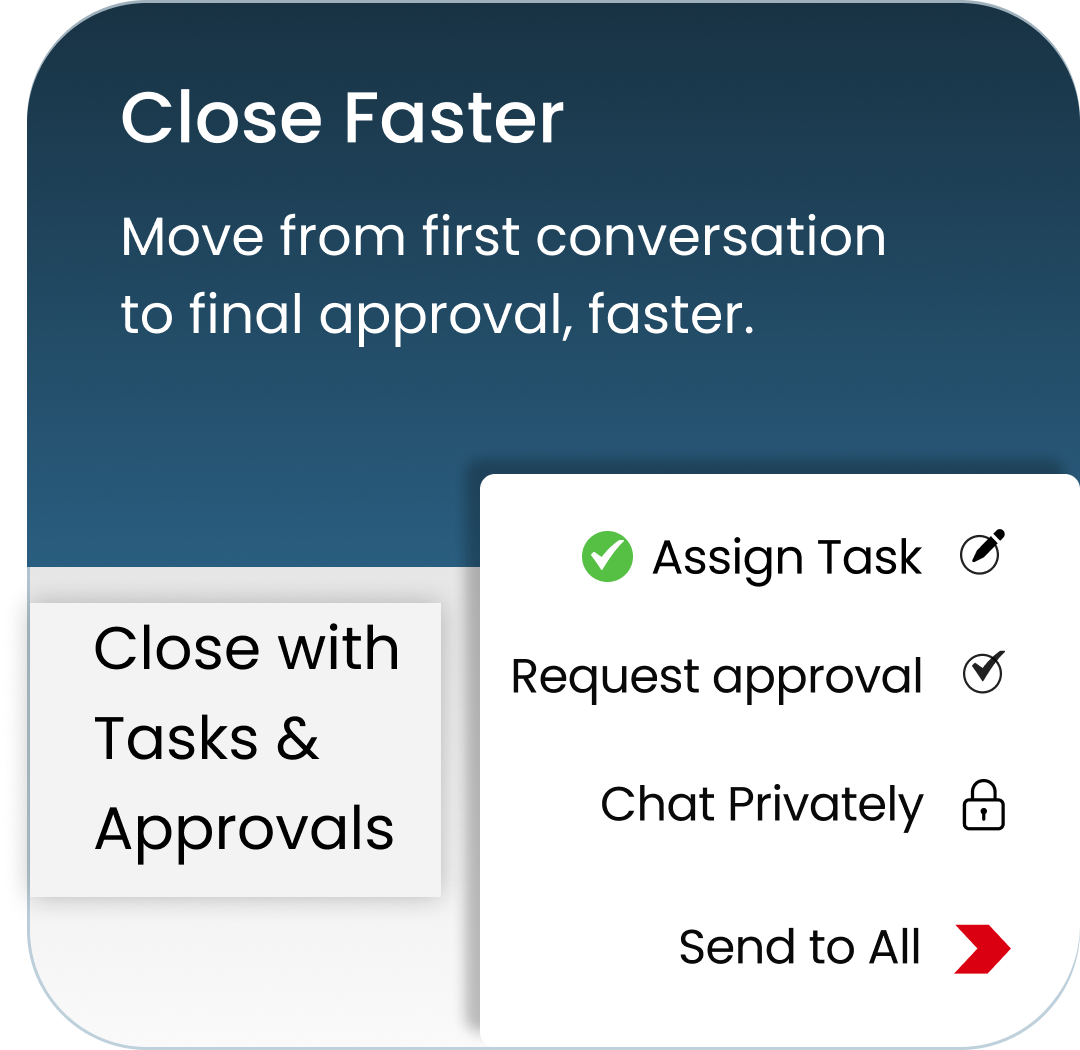
  • request approvals directly from conversations
  • organise discussions by topics
  • collaborate with internal teams and external partners

Because conversations remain attached to the work they create, teams always retain the full context behind decisions and actions.

Instead of forcing teams to change how they communicate, Arkchat allows them to continue messaging naturally while ensuring that work stays organised.

The Future of Collaboration

Work will always begin with conversations.

Messaging made collaboration faster.

But the next evolution is ensuring that those conversations can track the work they generate.

This is why Work Tracking Messaging is likely to become an important category in modern collaboration tools.

As organisations rely increasingly on messaging to coordinate work, systems that connect conversations with tasks, approvals, and decisions will become essential.

Work tracking messaging represents that next step.

Related Articles

Let's Explore Your Business Need